Dealing with digital distractions
Dealing with digital distractions
By the Roadmap+ Team
If you've read our 11 tips for overcoming distractions when studying, but still unsure how to reduce digital distractions, read on. Learning how to defy digital temptations all comes down to self-control, which requires regular practice, honesty and putting pre-emptive measures in place.
Identify distractions
First and foremost, a digital distraction usually starts life as an abstract temptation. Seemingly out of nowhere, we wonder what's the latest on Instagram, Facebook, Twitter, etc, and without further ado, we pick up our phone, open a new tab or app and two hours later you realize what you were doing is still undone.
Recognizing a potential distraction before it becomes a problem is the biggest hurdle in overcoming digital distractions or any other form of procrastination, for that matter. When you're working on something with intention and purpose, you'll be more inclined to notice risks and when you do, ask yourself if you absolutely must check Facebook, refresh your inbox, browse that website or look at a possible purchase for the third time today. In most cases, the answer will be a definite no, but following through won't come easily, so aside from locking yourself up in a room with the bare essentials, distraction detection alone is not enough for the untamed.
Stop hoarding URLs
Keeping the bookmarks bar visible in your browser may appear counterproductive, but hiding your bookmarks bar is like hiding an evergrowing pile of clothes in a closet – it's often forgotten until you need something, it will never get smaller and the thought of having to clean it up is simply demoralizing.
Depending on your lifestyle and interests, create a folder for each area or topic, such as College, Work, Art, Fitness, etc. This will ensure bookmarks are organized and accessible. If you bookmark obsessively, create a Read folder to store those pages you want to visit when you have more time. Then, once a week, go through the Read folder and visit the page and be done with it, or promptly delete it. Ask yourself if you really need to read or view it, does it still interest you and what do you (or someone you know) really have to gain from reading it, and delete it at once if you hesitate at all! You'll soon realize what you thought you need to keep, read or re-read, upon later reflection, is oftentimes a time-waster.
Using online tools to manage bookmarks can be dangerous if you've not yet mastered the art of handling digital distractions. Storing bookmarks in the cloud via an app or a file can quickly increase your pile of URLs and offer new avenues of wasting time accessing them wherever you are.
...regular practice, honesty and pre-emptive measures...
Read it or delete it
The most obvious enemy in the war against digital distractions is email, with work email being our number one nemesis. Unlike URLs in your bookmarks list or elsewhere, email needs a little more care before hitting delete, but that's not to say it can't be done swiftly.
Like our browser's Read folder, create a flag, theme or folder for emails you know you must read. In most cases, this can be determined by the subject line or the sender. We want to avoid having to open an email unnecessarily because, just like a website, an app or merely when your smartphone sitting idly next to you, once an email is open you'll be more likely to read or click on its contents, and that can be two hours – gone!
It's at work that being delete key happy is a dangerous game, but most announcements or group emails that are casual, social or informational are easy to identify, so you know what to do. If opening can't be avoided, turn on save sent, use a notebook to jot details and delete the message in your inbox (not from sent) once you've responded, particularly if this is a back-and-forth. When you receive a reply again and the history is there, delete the sent email and so on. All other emails should be noted, deleted or moved to your Read folder for your next review.
In terms of reviewing the Read folder, if it's work, this should probably be once a day. Time and again we're told not to attend to our inbox until late morning or afternoon. Whilst this isn't always feasible, the idea is energy levels are higher for most people earlier in the day, so the first half of the day should be spent working on important tasks that demand our attention and focus. If our energy is depleted by dealing with email, you'll have wasted your better hours on things that could have waited. Especially at work, if it's super urgent, someone will call or visit you.
Just don't.
There are all sorts of tricks and challenges we can set for ourselves to avoid 'playing' with our phones, but if you're reading this you're likely guilty of habitually conceding defeat prematurely or not even trying.
Besides apps for work or study, apps are either for or against you making valuable progress. Games, messaging, entertainment and social media apps are all productivity killers, and if your job or course doesn't involve social media, there are few valid reasons to log in or check what's going on every x number of minutes. People will soon get used to when they can expect to see you online or receive a response. Like email, if it's really that important, someone will call you, come to see you or someone else will tell you about it. You also need to recognize a potential distraction and ask yourself if it's truly necessary to open a new tab or switch to a different app for "a minute".
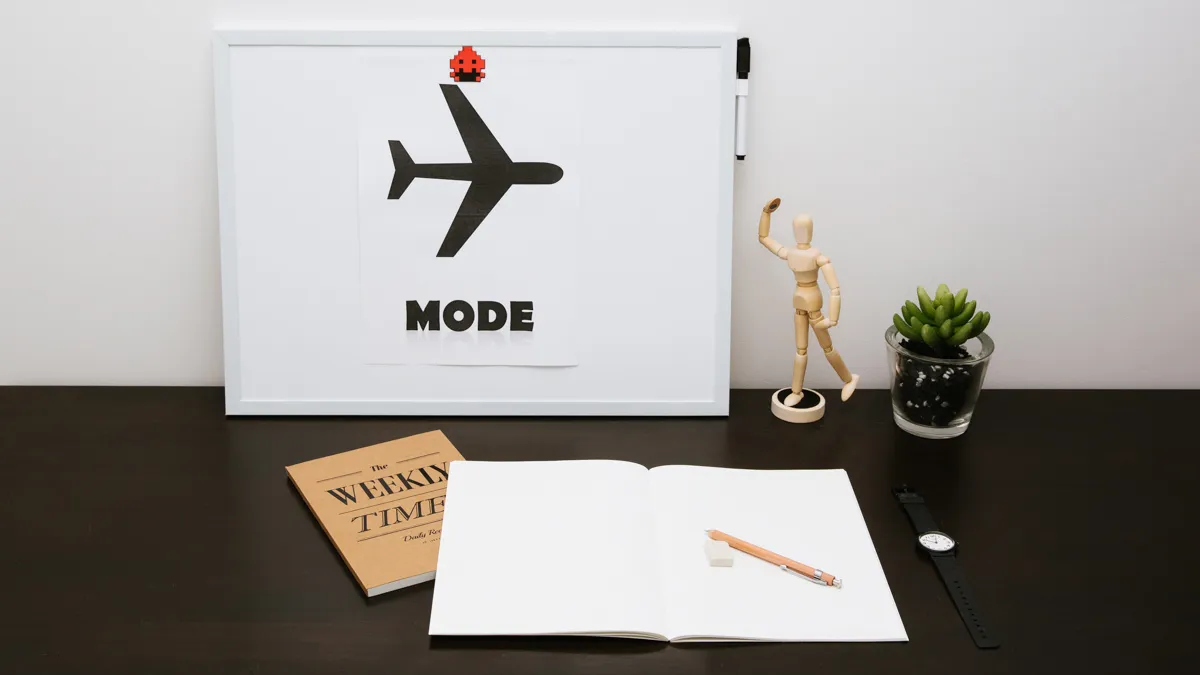
So next time you sit down to get work done, mute or airplane mode your phone and tablet, acknowledge the temptation when it pops in your head (or line of sight) and choose to keep working.
Discipline
What it really all boils down to is old-fashioned discipline. When all else fails, the problem might lie in urgency, relevancy and motive. In life there will always be things you can't avoid doing and when that's the case accept it, buckle down and remind yourself that the sooner it's done, the sooner you'll move on to the things you enjoy and excel at.
Conduct an activity stocktake and do more of what you love
Extensions and apps aren't always available and there'll be the occasion when you'll need to keep your phone on or social media open without being sucked in (e.g. waiting on an interview or job offer), so the only way to avoid being lured into minutes or hours of wasted time is by being aware of what's going on. That is, identifying a distraction before it pulls you in and either ignore the urge to act or use methods such as those discussed above to practice self-control.
Category:
For updates on new tools and apps, subscribe to our newsletter. We only send these out when there's something truly exciting - we won't spam you.