Best calendar apps for productivity
Best calendar apps for productivity
By the Roadmap+ Team
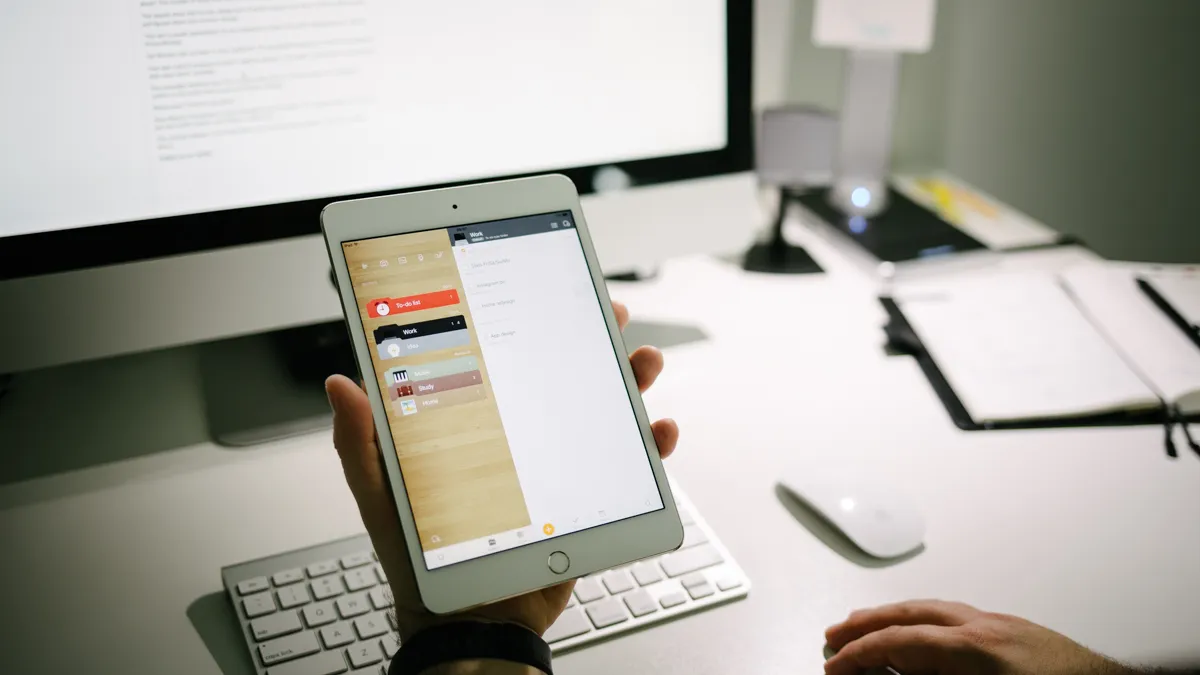
Whether you're working towards clearly defined goals or beginning to get your time and life in order, having a time-based planner is possibly the most important tool to keep in your productivity toolkit.
We recently tested numerous apps of all levels of popularity to produce our own top three. Our only requirement was that it serves the purpose of being a fully functional calendar and has a little something extra. Each calendar is Apple Watch compatible, available on iOS and Android and can sync with calendars in your phone or by logging in from the app.
See also... Choosing a Planner
3. Microsoft Outlook – email and calendar (free; iOS/Android)
Outlook on iOS / Outlook for Android
As Apple products become the number one (or only) choice for under 25s, Microsoft product apprehension becomes a sign of old age. Understanding how a Microsoft app could be a drawcard for those lost in a sea of mediocre apps, unable to distinguish the good from the awful, unwilling to pay a cent to test an app firsthand, is a bizarre concept for the jaded old. But for those whose first brush with Microsoft is via Outlook on a smartphone, Microsoft avoidance may also come to be misunderstood.
Having acquired Sunrise Calendar in early 2015, the Sunrise team have been focused on transferring and enhancing the features of their calendar app to this email-calendar combined product. The result is a clean, feature-rich, compact application that comes for free, without ads, ideal for those whose days are filled with meetings, conferences or classes. An extra nice feature is how it can sync with storage, including Google, Dropbox and Box. Unfortunately, the embedded maps feature from Sunrise is not (yet?) available in Outlook. Could be due to it being Google Maps.
UPDATE 27 April 2016: Wunderlist, another 2015 Microsoft acquisition, now integrates with the Outlook app. Any task with a due date will appear in Outlook's Calendar tab. Details on how to link the two apps are on Wunderlist's blog.
possibly the most important tool in your productivity toolkit
2. Pocket Informant ($; iOS/Android)
PocketInformant.com
Our first impression was that it's rather plain and unintuitive, but it quickly becomes clear you're dealing with a feature-rich application that could easily replace a to do list app as well. Another selling point is that it's probably here to stay. Fanatic Software is ancient in tech years, so you can make yourself comfortable knowing it's unlikely you'll have to look elsewhere for a while.
Other fancy features include an integrated weather forecast summary by day, a note taking tab with photo embedding, checklist and more, clean calendar perspectives, and optional database management.
1. Awesome Note 2 ($; iOS/Galaxy Note)
Developer website
We loved Awesome Note 2 because of its customizability, visual yet logical layout into folders, alternate views and how well it syncs with services you've synced in your device (there's no sign-in/up required to use the app – another plus).
Besides the folders and various ways to view and filter tasks and events, you can add voice recordings, photos or draw to a note. Repeat, a note can be a doodle or sketch. A note can also include a checklist or text, all within a single note.
The only fault we could find that could be a deal breaker is that you can't add or view event attendees. But as it's designed to be a standalone app with optional syncing, you'd have to use an alternative calendar app anyhow, which is the case for most. With attendees being the only missing feature in our opinion, the built-in calendar app on your phone is sufficient to fill this one gap that the other features compensate for.
Category:
For updates on new tools and apps, subscribe to our newsletter. We only send these out when there's something truly exciting - we won't spam you.