Using the Pomodoro Technique to study
Using the Pomodoro Technique to study
By the Roadmap+ Team
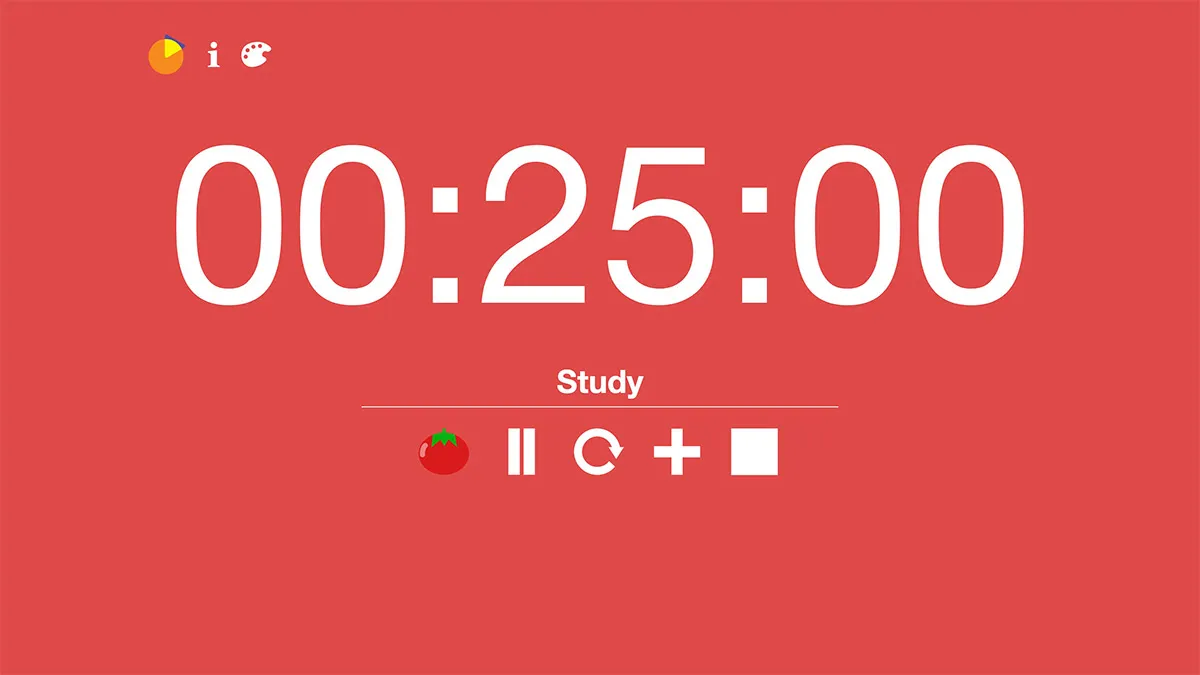
Distractions are one of the top productivity killers. Being prone to responding to or being interrupted by distractions doesn't help productivity levels either. To prevent being distracted, we can switch off digital devices, trap ourselves in a focus app or work somewhere remote (not a guarantee of focus), but an easy hack you can start today with your phone or browser is to utilize the Pomodoro Technique.
In our time management article, we discussed the Pomodoro Technique and in another article you can read about the benefits of using a timer. But how do you incorporate a timer into your study sessions? Like focus apps, the aim of timing for productivity is to hold yourself hostage. The difference between a focus app and a timer is you learn to say no to a distraction yourself. That is, you build a habit of staying focused, no matter the temptation, noise or direct request to communicate.
25/5 Pomodoro timer on YouTube
The standard Pomodoro Technique time is 25 minutes of focus followed by a 5-minute break. After the break, the stack of time (focus + break) is repeated until you achieve what you want from the study session. The 25/5 times are not strict and there isn't a lot of consistent scientific opinion that recommends exact minutes, so it's up to you to adjust. Popular combinations include 52/17, 50/10 and 60/15.
Tisk: Task Timer: free web-based timer
How long you set your focus and break times may depend on how much effort - and time - is required for a specific task as well as what you want to achieve in a round. Small wins are ideal as you'll gain a sense of achievement, but that's not always straightforward. Break down your work into smaller parts, such as dividing up a chapter or article you need to read, selecting two or three problems to solve, or writing set a number of words (e.g. 150-200 words in 30 minutes). For work that's more time-consuming or work that's best done uninterrupted, set different focus/break times. These longer sessions could be for the creative arts or sourcing journal articles that answer a specific question in your essay or thesis.
form a habit of saying no to distractions
The benefit of using a timer over a focus app is the flexibility you'll have and the habit you'll form by saying no, internally or literally. Keep the timer close by in a position that you can see the entire time you're studying. If something catches your eye, note the minutes left before your break. If someone knocks on your bedroom door, let them know how many minutes you need. Seeing the number of minutes left and knowing a break will follow will both challenge and motivate you to stay on track. Logging how many sessions you complete is an additional motivator and a means of reflecting on how much time and effort you've spent on a particular subject.
The timer you use needn't be a fancy Korean or Japanese timer you might have seen on studygrams. Your phone timer, a timer website (for example, our very own Tisk: task timer) or a kitchen timer will suffice. There are number YouTube videos, again including our own YouTube Pomodoro, that will provide a huge timer that you can have in the background on a phone, tablet or desktop. The only timer to avoid is a standard clock. Clocks won't provide the alarm you need to know when the focus or break component of your Pomodoro round is complete. If they do have an alarm setting, such as an alarm clock, it might be too fiddly and time-consuming to set to the next block of time.
Introducing a timer and the Pomodoro Technique into your study toolkit will hold you accountable to yourself and form a habit of saying no to distractions. By logging your Pomodoro sessions, you'll also have a measure of time to evaluate your progress, estimate future effort and feel a sense of achievement.
Category:
For updates on new tools and apps, subscribe to our newsletter. We only send these out when there's something truly exciting - we won't spam you.