How to use a timer
How to use a timer
By the Roadmap+ Team
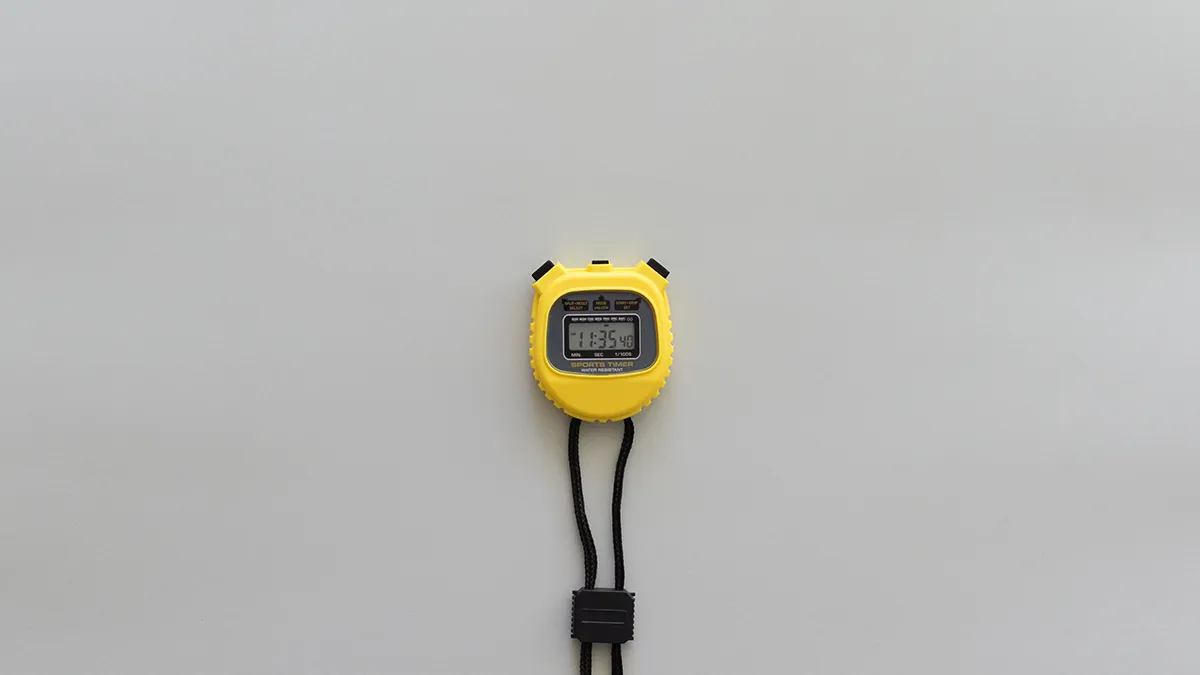
Every phone has one, you might even have one in your kitchen, but using it to hack your way to a gratifyingly productive day is probably a use case you've overlooked. The humble timer in its varied manifestations can prove to be an indispensable tool when you need to focus or have a lot on your plate.
:: Tisk - Task Timer is online now and free to use in any browser ::
Whilst most of us keep time when working out, integrating timekeeping in other parts of our lives seems restrictive and nerve-racking. In actual fact, keeping time on a task ensures focus, prevents procrastination and limits scope creep. There are a number of ways you can utilize a stopwatch or timer to improve productivity:
an indispensable tool when you need to focus or have a lot on your plate
- Keep it visible. The main drawback of using an app and the advantage of keeping a dedicated timer. When you see the timer counting up or down, you're constantly reminded of what you're supposed to be doing and will be more likely to stay on task.
- Count down. When you're about to start a task, set the timer to the amount of time you think you need to complete it. If interrupted (e.g. a phone call), pause the timer or risk going overtime and losing motivation. Tasks that take up to 90 minutes are best timed down. That is, set a time and aim to beat it or complete the task within that timeframe. Suitable tasks include breaks, social media, email, reading, editing of any kind, foreign languages, reviewing, personal projects, cooking, cleaning, exercise, tv or naps.
- Count up. Best for large pieces of work and activities that involve other people or external dependencies (e.g. public transport, office). When the activity begins, start the timer and occasionally check it to remain aware of how long it's taking. Meetings, phone calls, shopping, web surfing, blogging, mealtime or random free time are some of the most suitable activities to count up and become aware of how unplanned activities eat into otherwise productive or meaningful time. However, effort required for large tasks or projects is often difficult to estimate, so counting up and pausing for breaks is helpful in this instance.
- Use multiple timers. An app or a multi-function kitchen timer will be necessary to keep track of multiple timers, but the functionality will allow you to keep track of sets within a workout, an errand in your one-hour lunch break or dinner on the stove when studying or working at home.
- Proven techniques. Pomodoro and 52/17 are discussed in this issue, both of which propose 25-52 minutes of focus on a single task, followed by a short break. Each set can be done successively or randomly throughout the day when you need to concentrate.
- Bring it everywhere. When you have a lot to do, you know that you need to be equipped wherever you are and part of that toolset should be a small timer or app.
- Log it. Once you become accustomed to timing everyday tasks, write down how much time is actually spent on tasks and goals. Tracking will reveal how your time is consumed across the day, which will allow you to identify problem areas in order to delegate or eliminate unimportant tasks, schedule tasks realistically, and be more conscious of how you spend time.
Category:
For updates on new tools and apps, subscribe to our newsletter. We only send these out when there's something truly exciting - we won't spam you.