Create a productive workspace
Create a productive workspace
By the Roadmap+ Team
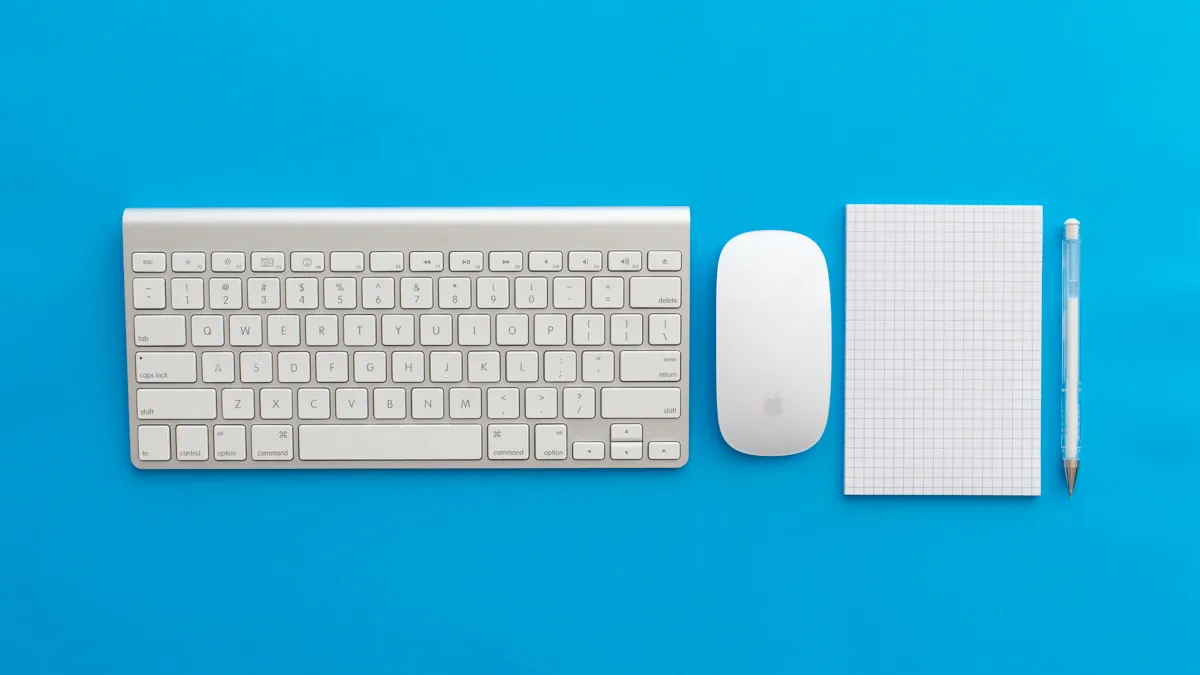
Most of us have a space we habitually use to work or study. It could be the dining table, a cubicle at work, a desk in our bedroom, a corner in a café or a dedicated office at home. Wherever it is, there are a number of things you can do or check when selecting or modifying your workspace to increase focus and productivity.
Elimination. Ergonomics. Environment. Organization.
Eliminate and decorate
- Clean and tidy to promote clarity and creativity. See also...Mess Stress Free
- Decorate with photos or wall art to inspire or add space and color.
- Generate an atmosphere that spawns creativity by adding subtle background sound, such as Coffitivity or Hipstersound.
Ergonomics
- Good posture will reduce back and neck pain in the short and long-term. An adjustable chair that supports your height, back and desk is crucial to maintaining good posture thoughout the day.
- Monitor height and distance also plays a part in reducing eye-strain, back, neck and shoulder pain. An arm's length distance and eyes aligned to the top of a slightly tipped upwards monitor is said to be the most comfortable. Use a laptop stand if you don't have a monitor, or a monitor stand to raise a monitor to eye height.
- An external keyboard and mouse can help avoid wrist strain if you're using a laptop.
- Introduce a plant or multiple plants to liven up your surroundings and potentially improve air quality.
- Bright, high (ceiling) lights that evenly cover your reading and writing area are ideal. High lights are also less likely to produce glare on monitors. Alternatively, a tall desk lamp could be sufficient for computer-exclusive work.
- Hack your own standing desk and use it for at least 10 minutes every hour. Use a sturdy box, chair or small coffee table to place your laptop on. Use Blu-Tack on the corners of the box or object to secure it to your desk.
- A great ergonomics resource with images can be found at: http://ergonomics.ucla.edu/office-ergonomics/4-steps.html.
Environment
- Face a window or have it on either side. Facing your back to a window or balcony can result in monitor glare and limits opportunity for decreasing computer eye-strain.
- Look outside away from the screen every 20 to 30 minutes.
- Use a quiet space or one where you won't be interrupted often.
- Room temperature should be comfortable. Not too hot, not too cold.
- Face your back to a wall behind as that is said to help you feel more in control and will reduce distractions behind (e.g. someone moving around or going in and out).
Organize
- Wireless connection should be strong and not too far away.
- Only keep what needs to be accessible within reach, such as pens, the notebook or book you're using and a drink.
- Adequate storage, such as bookshelves, tables, boxes and drawers, should be within reach or a few steps away to keep things tidy but within reach.
- Monitor stands aren't just ergonomic, they add desk and storage space for pens, current readings, Post-Its, phone and other stationery.
- Dedicate a safe spot for a drink to avoid spillage.
- Dedicate a space on your desk to display your daily to do list, so it's always in sight and in mind.
Category:
For updates on new tools and apps, subscribe to our newsletter. We only send these out when there's something truly exciting - we won't spam you.